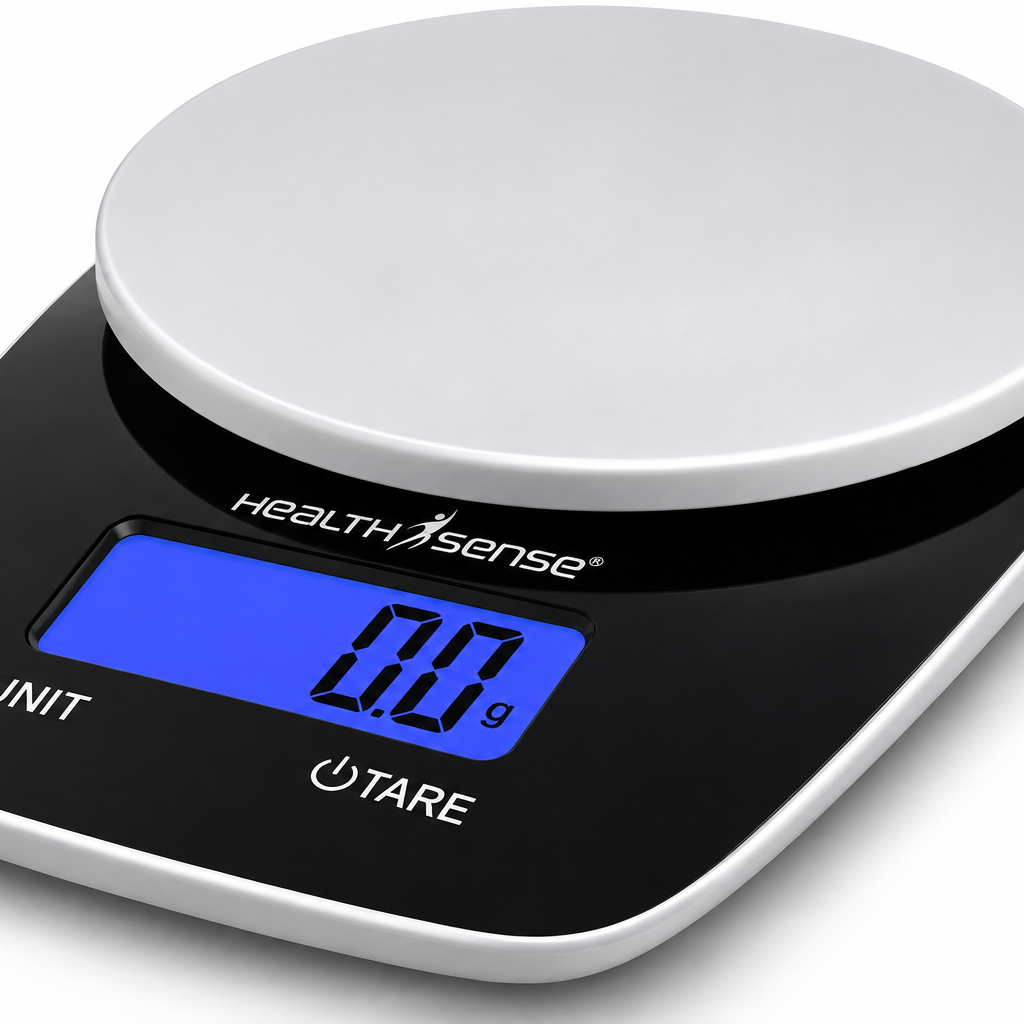
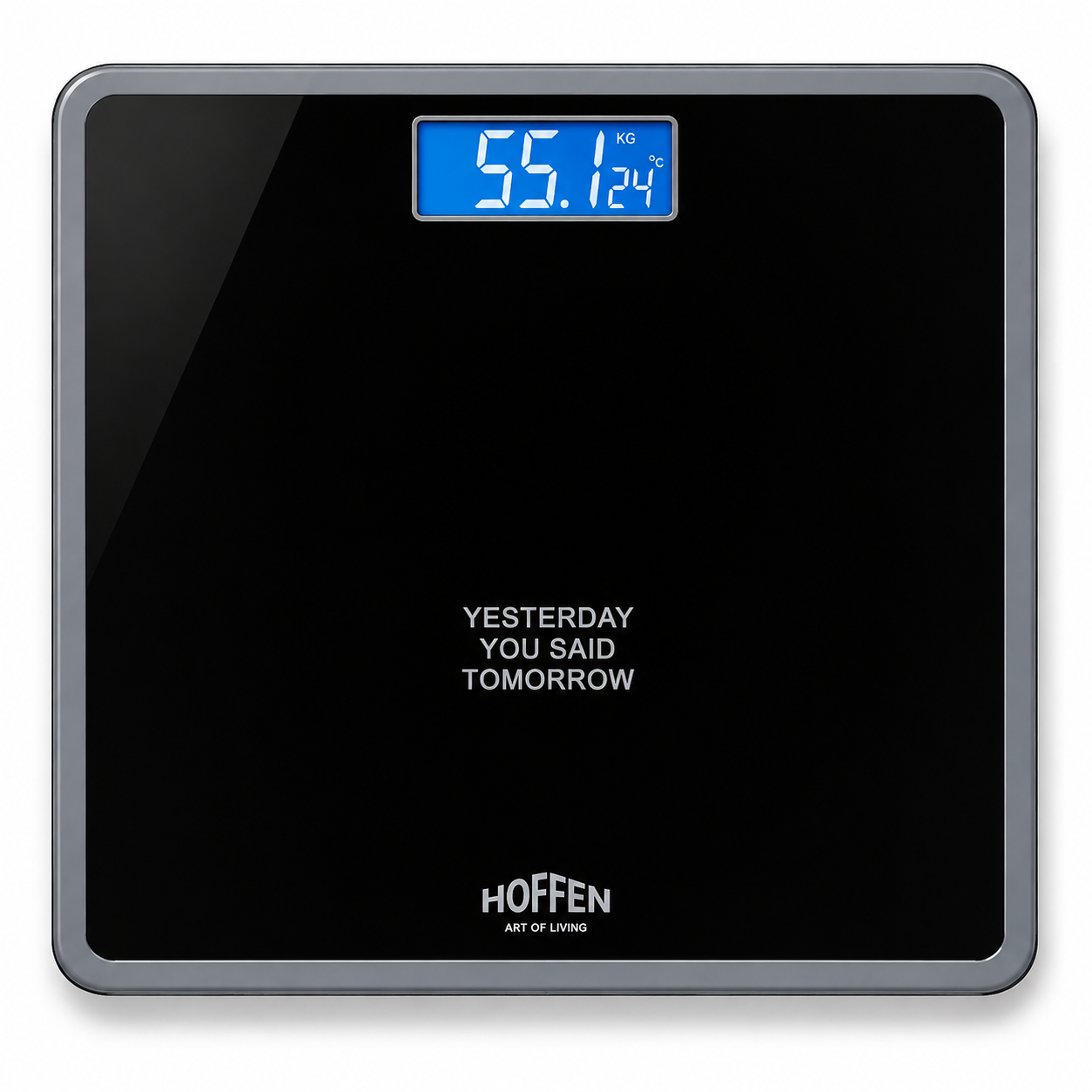
HealthSense BS 225 vs Omron HBF-375 comes down to where you want to see your results: on your phone or on a standalone monitor. The Hoffen HO-18 is the simpler third option if all you want is a weight reading.
As an Amazon Associate, we earn from qualifying purchases.
HealthSense BS 225 vs Omron HBF-375: side-by-side comparison
| Buying check | HealthSense BS 225 | Omron HBF-375 | Hoffen HO-18 |
|---|---|---|---|
| Measurement type | Weight and hand-to-foot BIA estimates | Weight and hand-to-foot BIA estimates | Weight only |
| Capacity | 180 kg listed | 135 kg in Omron documentation | 180 kg listed |
| Reading history | Feel Fit app | On-device reference and progress readings | No built-in history |
| Who should start here | App-based household tracking | Composition estimates without a phone | Quick, simple weighing |
| Read the individual review | Read the full review | Read the full review | Read the full review |
| See the current offer | Check Price on Amazon | Check Price on Amazon | Check Price on Amazon |
1. Decide whether you need composition estimates
Hoffen displays body weight and is the simplest choice if you plan to record that number yourself. HealthSense and Omron use hand and foot contacts for bioelectrical impedance analysis (BIA). Consider one of those only if you expect to use the additional estimates and are comfortable with the extra steps.
2. Separate measured weight from estimated outputs
The scale measures weight; body fat and muscle readings are estimates based on impedance and profile data. BMI is calculated from weight and height. A headline count of metrics is a count of outputs, and several may be derived from the same inputs. Choose based on which results you will actually follow.
3. Choose phone charts or a standalone display
HealthSense pairs with Feel Fit and lists several readings on the scale itself after setup. Omron keeps reference and progress readings on the device and supports four profiles plus Guest mode. If several people share the scale, check how you switch profiles and whether everyone is comfortable using the app.
4. Use the documented capacity
HealthSense and Hoffen each list 180 kg. Omron documents 135 kg for the HBF-375, even though a marketplace entry cited in our review says 140 kg. Use the manufacturer’s rating for the verified model. Display increments show how finely the number changes and are separate from independently verified accuracy.
5. Compare the platform and display
HealthSense lists a 31 × 35 cm platform, while Hoffen’s review lists 28 × 28 cm. Check how the surface fits your stance and whether you can read the display from standing height. Omron’s handheld unit places the display higher, but the grip also adds a step to each composition reading.
6. Make your measurements comparable
Use a hard, level floor and follow the device instructions for posture and timing. Hydration can affect impedance estimates, so compare trends under similar conditions. If you use an implanted electronic medical device, follow the manufacturer’s restrictions on BIA; a weight-only scale avoids the need for impedance measurements.
7. Buy for the routine you will keep
Choose HealthSense for app charts and a hand-to-foot system, Omron for standalone composition readings within its documented capacity, and Hoffen for quick weight checks without setup. Check warranty support and seller terms, especially if you need to confirm the exact model number or battery type.
Frequently asked questions
Which scale works without a smartphone?
Omron keeps its readings on the device and Hoffen displays weight directly. HealthSense uses Feel Fit for its fuller history.
Is the Omron HBF-375 rated for 140 kg?
Omron’s documentation gives 135 kg. Use that limit for the documented model even if a marketplace listing shows a higher figure.
Source: Omron’s HBF-375 specifications.